USB Camera System – Features, Working Principle, Uses and Benefits
A USB Camera System is a digital imaging device that captures images from compatible optical instruments and transfers video data through a USB connection.
In medical endoscopy, a compatible camera can support visualization during selected examinations, procedures and training activities. Additionally, computer-based imaging may provide a convenient way to display and manage visual information.
However, clinical use requires appropriate device authorization, optical compatibility, electrical safety and suitable software.
JDMeditech supplies endoscopy equipment, urology instruments, laparoscopy accessories and medical imaging solutions for hospitals, clinics and medical distributors.
What Is a USB Camera System?
A USB endoscopy camera is an electronic camera that connects to a compatible computer or imaging device through a USB interface.
Typically, the camera includes an image sensor, optical connection, electronic housing and USB cable.
When connected to a suitable endoscope, the camera can capture an optical image and convert it into digital video.
Furthermore, compatible software may display, capture or record the resulting images.
How Does a USB Endoscopy Camera Work?
A compatible endoscope transfers an optical image toward the camera’s imaging sensor.
Next, the sensor converts incoming light into electronic signals.
The camera electronics then process the captured information.
Subsequently, the USB interface transfers digital image data to a compatible computer.
Finally, appropriate software displays the video for the intended application.
Working Principle of USB Digital Imaging
USB digital imaging combines optical image capture, electronic signal processing and computer communication.
First, the optical system directs the image toward the sensor.
Next, the camera converts the image into digital data.
The USB connection then transfers that data to the host device.
Consequently, compatible software can display the captured video.
However, frame rate, resolution and latency depend on the camera hardware, USB interface and software configuration.
Key Features of a USB Camera System
- Digital Image Capture
- USB Data Connection
- Compact Camera Configuration
- Compatible Optical Connection
- Computer-Based Video Display
- Model-Specific Resolution Options
- Compatible Image Capture Software
- Potential Video Recording Support
- Portable Imaging Arrangement
- Operator-Friendly Camera Design
- Compatibility With Selected Optical Instruments
- Manufacturer-Defined Imaging Functions
Furthermore, exact features vary according to the selected camera model.
Main Components of a USB Camera System
A typical USB imaging arrangement may include the following components:
- Digital Camera Head
- Image Sensor
- Optical Coupler or Camera Adapter
- USB Connection Cable
- Electronic Processing Circuit
- Compatible Computer
- Camera Driver or Imaging Software
- Compatible Endoscope
- Suitable Illumination System
- Manufacturer-Approved Accessories
However, the camera package may not include every listed component.
1. Digital Camera Head
The camera head contains the electronic imaging components.
Furthermore, its optical connection allows attachment to compatible instruments.
2. Image Sensor
The image sensor receives light from the connected optical system.
Consequently, it converts the optical image into electronic information.
However, the sensor technology and native resolution depend on the product model.
3. Optical Coupler
An optical coupler connects the camera to a compatible endoscope or optical adapter.
Additionally, selected couplers may offer focus adjustment.
Therefore, buyers should verify optical and mechanical compatibility before use.
4. USB Connection Cable
The USB cable transfers digital imaging data between the camera and a compatible host device.
Furthermore, the cable may provide power when the camera supports USB-powered operation.
However, connector type and USB version depend on the model.
5. Electronic Processing Circuit
The processing electronics convert sensor signals into a supported digital video format.
Additionally, the electronics manage communication with the connected host.
6. Computer and Display
A compatible computer receives the digital video signal.
Next, imaging software displays the captured image on the screen.
However, computer specifications and operating system requirements depend on the camera.
7. Imaging Software
Compatible software may support live viewing, image capture and video recording.
Furthermore, selected software packages may offer image adjustment or file management functions.
However, buyers should confirm which software functions are included.
Clinical and Educational Applications
USB camera systems may support imaging in selected medical, educational and technical environments.
- Compatible Urology Endoscopy
- Selected Diagnostic Endoscopic Examinations
- Endoscopic Training and Demonstrations
- Medical Education
- Optical Instrument Demonstrations
- Image Documentation
- Laboratory Imaging Applications
- Selected Clinical Imaging Workflows
However, a camera must have the appropriate intended use and regulatory authorization before use in patient care.
USB Camera System in Urology
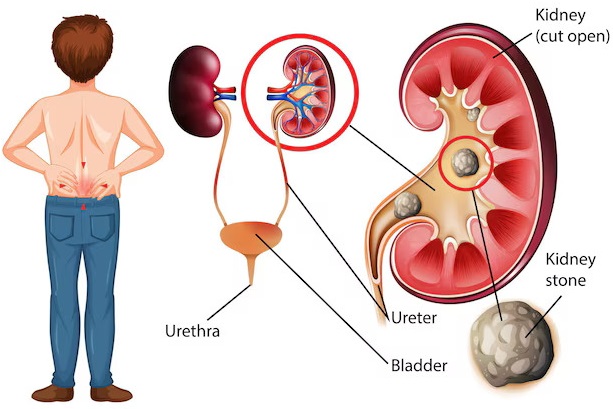
Urologists use compatible endoscopic imaging equipment to observe internal urinary tract structures.
A suitable USB camera may connect to approved optical instruments for selected applications.
Furthermore, computer-based viewing can support demonstrations and documentation where permitted.
However, not every USB camera is suitable for surgical use.
USB Camera System in Laparoscopy
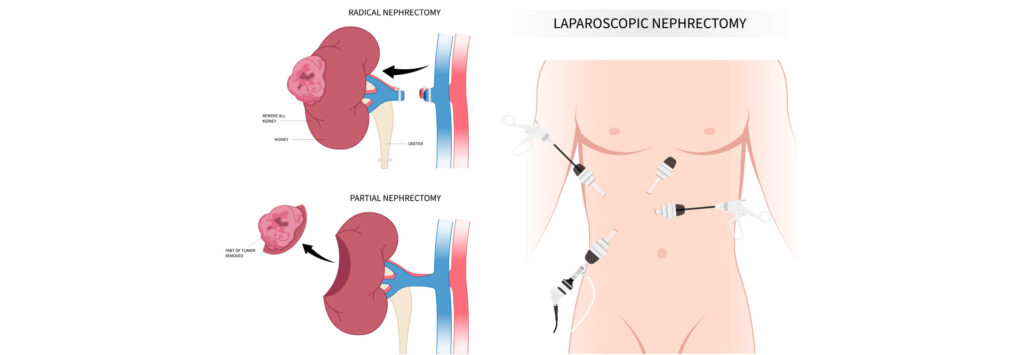
Laparoscopy requires a suitable imaging system that supports the clinical environment and procedure.
Selected camera technologies may support endoscopic visualization.
However, a USB connection alone does not establish suitability for real-time operative imaging.
Therefore, surgical teams must verify latency, reliability, image performance and medical electrical safety.
USB Camera System for Medical Education
Digital camera systems can support teaching and demonstration of optical instruments.
Additionally, compatible software may help instructors display and review captured images.
Consequently, trainees can observe selected endoscopic demonstrations on a computer screen.
Potential Benefits of USB Digital Imaging
- Direct Digital Data Transfer
- Compact Camera Design
- Computer-Based Image Display
- Compatible Image Documentation
- Potential Recording Functions
- Useful for Training Applications
- Flexible Optical Integration
- Model-Specific Software Features
However, the practical benefits depend on the selected equipment and intended application.
USB Camera System vs Conventional Endoscopy Camera System
| Feature | USB Camera System | Conventional Camera System |
|---|---|---|
| Typical Connection | USB to Compatible Host | Camera Head to Dedicated Control Unit |
| Display Arrangement | Computer-Based Display | Compatible Medical Monitor |
| Camera Processing | Camera Electronics and Host Software | Dedicated Camera Processing Unit |
| Image Recording | Depends on Software | Depends on System Configuration |
| Clinical Suitability | Depends on Approved Intended Use | Depends on Approved Intended Use |
| Resolution | Model-Dependent | Model-Dependent |
Technical Specifications of USB Camera System
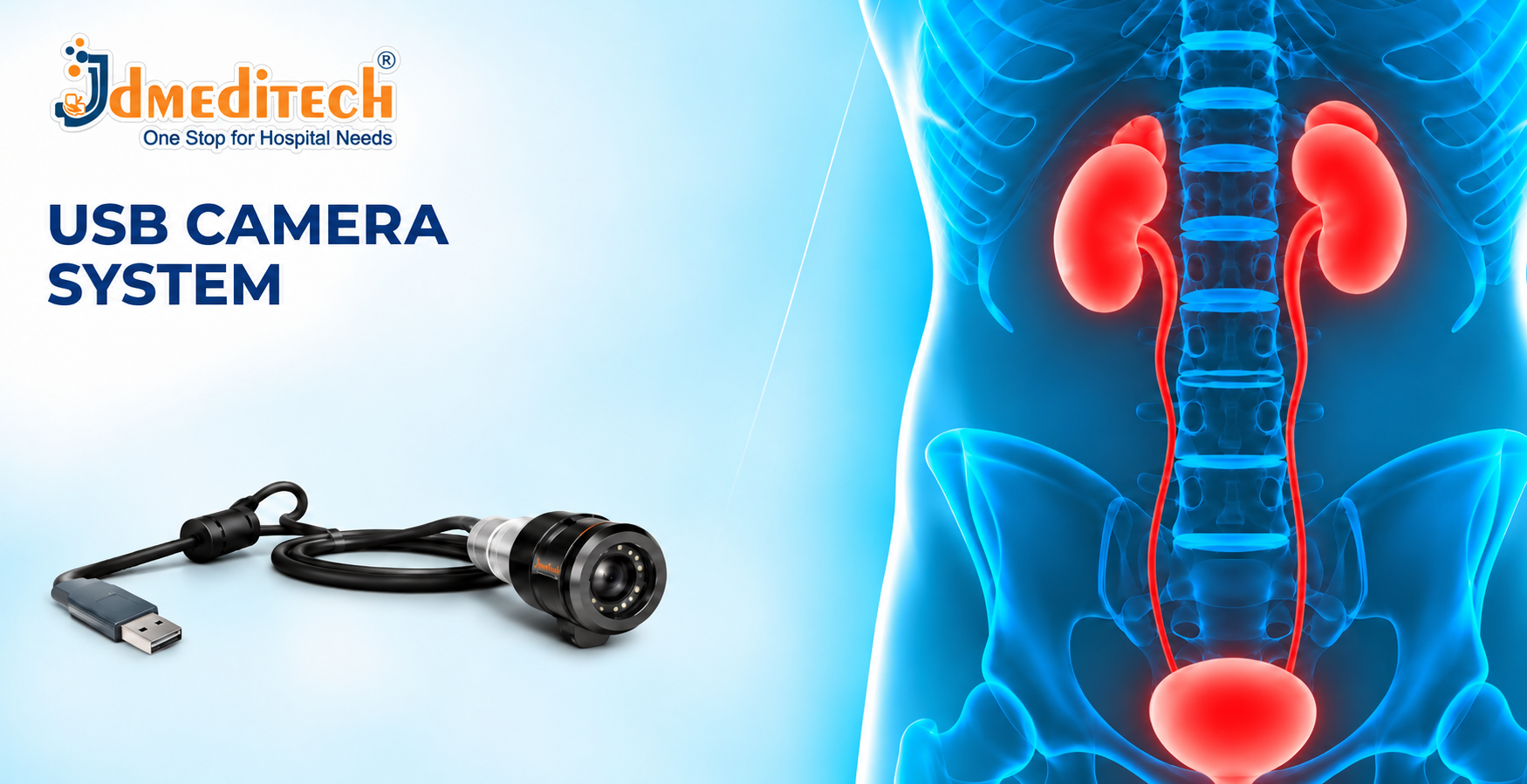
The supplied product image shows a compact camera head with an optical connection and USB cable.
However, the image does not confirm sensor resolution, USB version, operating system compatibility or clinical certification.
Therefore, customers should verify the official manufacturer datasheet.
| Parameter | Product Information |
|---|---|
| Product Name | USB Camera System |
| Equipment Category | Digital Endoscopic Imaging Equipment |
| Primary Function | Digital Image Capture and Transfer |
| Camera Configuration | Compact Camera Head With USB Cable |
| Image Sensor Type | Confirm Manufacturer Specifications |
| Native Image Resolution | Confirm Manufacturer Specifications |
| Video Frame Rate | Confirm Manufacturer Specifications |
| USB Interface Version | Confirm Manufacturer Specifications |
| USB Connector Type | Confirm Manufacturer Specifications |
| Optical Coupler | Confirm Available Configuration |
| Focus Adjustment | Confirm Available Configuration |
| Image Capture | Confirm Available Configuration |
| Video Recording | Confirm Available Configuration |
| Software Compatibility | Confirm Manufacturer Specifications |
| Operating System Support | Confirm Manufacturer Specifications |
| Power Requirements | Confirm Manufacturer Specifications |
| Endoscope Compatibility | Confirm Approved Instruments |
| Cleaning and Reprocessing | Follow Manufacturer Instructions |
| Dimensions and Weight | Confirm Manufacturer Specifications |
| Regulatory Documentation | Verify for Destination Market |
Importance of Image Resolution
Image resolution describes the number of pixels used to represent a digital image.
Higher resolution can provide more visual detail when the optical system and display support it.
However, resolution alone does not determine overall imaging performance.
Therefore, buyers should also consider sensor quality, illumination and image processing.
Importance of Frame Rate
Frame rate describes how many video frames the system displays each second.
Furthermore, frame rate can influence perceived motion smoothness.
However, the actual performance depends on the camera, USB connection and host computer.
Importance of USB Compatibility
The camera must communicate correctly with the connected host device.
Therefore, users should verify the required USB interface, driver support and operating system compatibility.
Additionally, compatible software is essential for reliable video display.
Installation and Setup Considerations
Qualified personnel should install the camera according to the manufacturer’s instructions.
First, they should verify computer and software compatibility.
Next, they should inspect the USB connection and optical components.
Finally, they should confirm that the system displays images correctly.
However, installation procedures vary between models.
Safety Precautions for USB Endoscopy Cameras
- Follow Manufacturer Instructions
- Verify Approved Intended Use
- Confirm Medical Electrical Safety
- Inspect Camera Housing and Cables
- Use Compatible Optical Accessories
- Follow Approved Reprocessing Procedures
- Protect Equipment From Moisture
- Verify Software and Computer Compatibility
- Protect Patient Data
- Use Appropriate Clinical Equipment Configurations
Inspection Before Equipment Use
- Confirm Camera Identification
- Inspect Camera Housing
- Check the Optical Connection
- Inspect USB Cable
- Verify Computer Compatibility
- Confirm Software Operation
- Check Image Display
- Verify Illumination
- Review Equipment Maintenance Status
- Follow Manufacturer Pre-Use Procedures
Cleaning and Maintenance Guidelines
Healthcare facilities should clean the camera according to the manufacturer’s instructions.
Furthermore, the permitted cleaning method depends on whether the camera is intended for clinical use and its approved reprocessing requirements.
However, users should not immerse or sterilize the camera unless the manufacturer explicitly permits the procedure.
Additionally, technical personnel should inspect connections and verify imaging performance when required.
Storage and Handling Recommendations
- Store Equipment in a Clean Environment
- Protect the Camera Head From Impact
- Avoid Excessive Cable Bending
- Keep Connectors Clean and Dry
- Follow Manufacturer Temperature Requirements
- Protect Optical Surfaces
- Inspect Equipment Before Use
- Remove Damaged Equipment From Service
How to Choose the Right USB Camera System
Hospitals, training institutions and procurement teams should evaluate several factors before purchasing.
- Approved Intended Use
- Native Sensor Resolution
- Frame Rate
- Image Sensor Technology
- USB Interface
- Computer Compatibility
- Operating System Support
- Imaging Software
- Optical Coupler Compatibility
- Image Capture Functions
- Video Recording Functions
- Cleaning Requirements
- Electrical Safety Documentation
- Regulatory Documentation
- Technical Support Availability
Why Choose JDMeditech?
JDMeditech supplies endoscopy equipment, urology instruments, laparoscopy accessories and medical imaging solutions for hospitals, clinics and medical distributors.
Furthermore, our team assists customers with product inquiries, available configurations and quotation requests.
Customers can contact JDMeditech regarding:
- USB Endoscopy Camera Systems
- Full HD Endoscopy Camera Systems
- Endoscopic Camera Accessories
- Compatible Optical Instruments
- Urology Endoscopy Equipment
- Laparoscopy Equipment
- Hospital Imaging Equipment
Frequently Asked Questions
1. What Is a USB Camera System?
It is a digital camera that captures images and transfers data to a compatible host device through a USB connection.
2. What Is a USB Endoscopy Camera Used For?
Compatible models support selected endoscopic imaging, training and documentation applications.
3. Does a USB Camera Require a Computer?
Most USB camera configurations require a compatible computer or host device for image display.
4. Can a USB Camera Capture Images?
Selected models support image capture through compatible software.
5. Can It Record Videos?
Video recording depends on the camera and software configuration.
6. Does Every USB Camera Support Full HD?
No. Resolution varies between camera models.
7. Can It Connect to a Cystoscope?
Selected cameras may connect to compatible optical instruments using approved adapters.
8. Can It Be Used During Surgery?
Only when the complete system is appropriately authorized and validated for the intended surgical application.
9. Does the Camera Require Special Software?
Some cameras require dedicated drivers or software, while others support compatible standard interfaces.
10. Is the USB Camera Sterilizable?
Not necessarily. Reprocessing requirements depend on the specific model and manufacturer instructions.
11. What Determines Image Quality?
Image quality depends on the sensor, optics, illumination, processing and display configuration.
12. Where Can Customers Request Product Information?
Hospitals, clinics and medical distributors can contact JDMeditech for product information and quotations.
Conclusion
In conclusion, the USB Camera System provides a compact solution for capturing and transferring digital images from compatible optical instruments.
Furthermore, computer-based imaging can support selected documentation, demonstration and educational applications.
However, clinical suitability depends on approved intended use, optical compatibility, software performance and safety requirements.
Therefore, customers should verify technical specifications before purchasing.
JDMeditech – One Stop for Hospital Needs
Website:
www.jdmeditech.com
Related Endoscopy Equipment
- Full HD Endoscopy Camera Systems
- Endoscopy Camera Heads
- Endoscopic Light Sources
- Laparoscopes
- Rigid Cystoscopes
- Endoscopic Optical Adapters
Medical Equipment Reference
For general information about medical device safety and regulation, visit the
World Health Organization – Medical Devices
.
Medical Disclaimer
This article provides general educational and product information only. It does not replace professional medical advice, clinical judgment, specialist training or manufacturer instructions. Healthcare professionals must verify approved indications, imaging specifications, optical compatibility, software requirements, electrical safety, reprocessing instructions and regulatory documentation before clinical use.